Production Organization

FAQ – Hidden Features: Part 10
December 9, 2025
Customer Support Process
January 22, 2026Here are some of the ways to organize your day.
Leverage production queue options and real-time stats to strategically organize and plan your day’s production, ensuring every job moves forward with maximum efficiency.
Single Queue Custom Sort
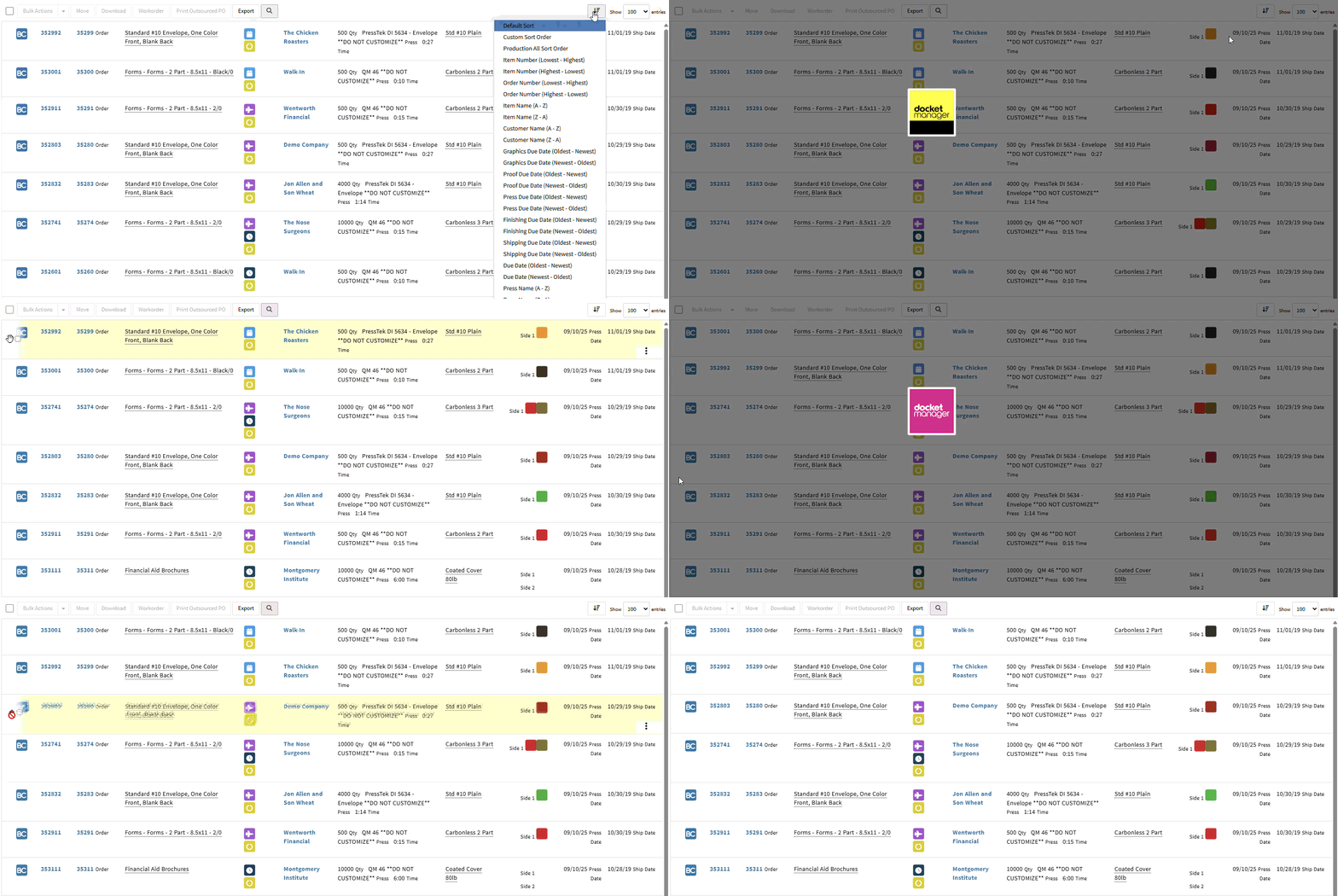
Easily tailor each queue to match your day’s priorities—customize the order of items for only the queues that need your attention, whether it’s today or this week. As new high-priority jobs arrive, they’re automatically placed at the top, ensuring your team always knows what needs action first.
Active User Queues
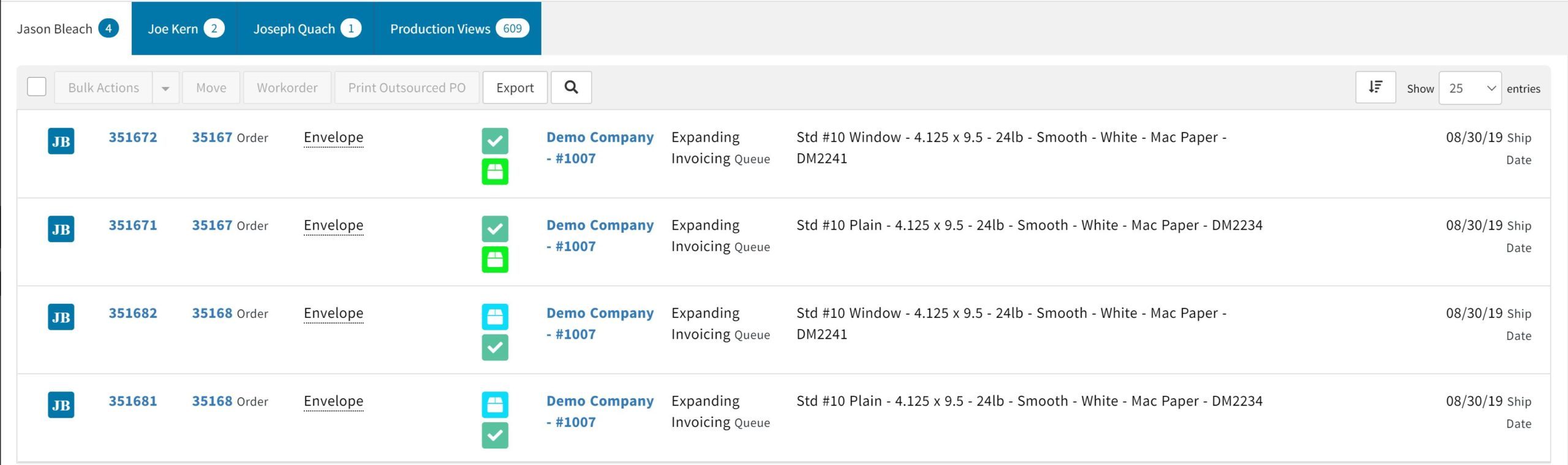
Assign work seamlessly with active user queues—each team member can access a personalized queue with intuitive sorting, so jobs are organized in the ideal sequence for their workflow. Effortlessly focus on the most relevant tasks using the queue filter, displaying only jobs in their current queue or any prior queue that matters to their role.